|
Download GSpot, a video codec identification utility
 |
GSpot 2.60 |
From the Author :
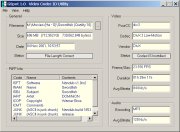
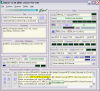
Video codec identification utility - identifies which video codec and audio compression method is used on .avi files, whether the matching codec is installed, and more.
Features :
- Determines which video codec an AVI file uses
- Determines what audio encoding method the file uses
- Determines what codecs you have installed, and whether you have the one needed
- Up-to-date database of over 200 codecs, including the latest DivX 5 and XVID systems
- Shows reported audio bitrate and calculates video bitrate
- Reports if the file is truncated, and how many bytes are missing. Great for downloaders.
- Identifies MPG, MPEG, MOV, WMA, WMV, ASF or OGG/OGM if an unknown non-AVI file is examined.
- Shows RIFF INFO (title, etc) if present, including hidden ASCII in the "JUNK" field
- Easy to use ("File > Load" and you're done)
- Microscopic footprint - download size only 29KB
- Free for personal use
Input Files: ASF, AVI, DV, FLV, MOV, MP4, MPG, OGG/OGM, RM/RMVB, SWF, WMV
Windows 95/Windows 98/Windows Me/Windows 2000/Windows XP/Windows Vista
|

|
Rate this software:
Your Rating:
You have not voted yet!
Average: 3.38/5
Total Ratings: 59
|

 Home
Home


 GSpot270a.zip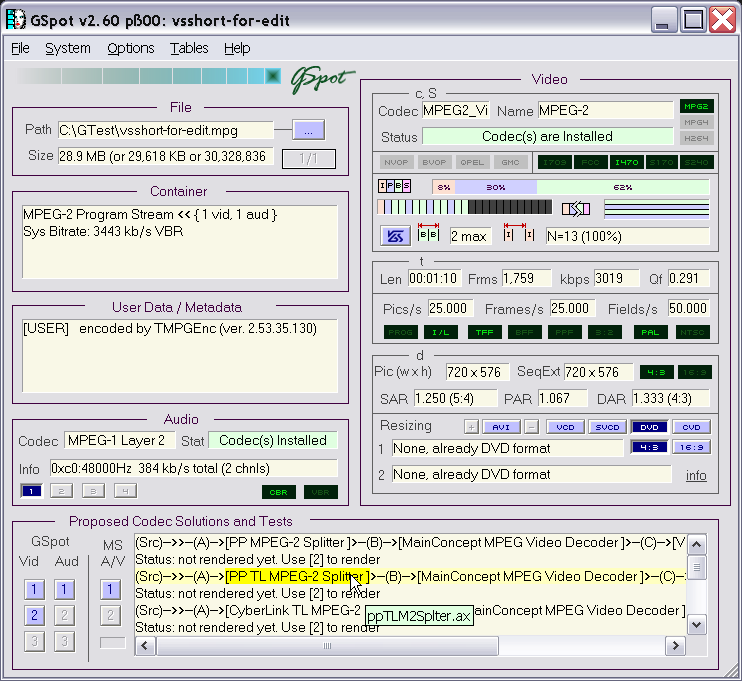
 AVI to DVD using DVD Flick Guide